3000 NAIN — power supply diagnostics and repair
3000 NAIN
From diagnostics and electronics repair to reinstallation and start-up. The story of one power supply unit, documented in photographs and five videos.
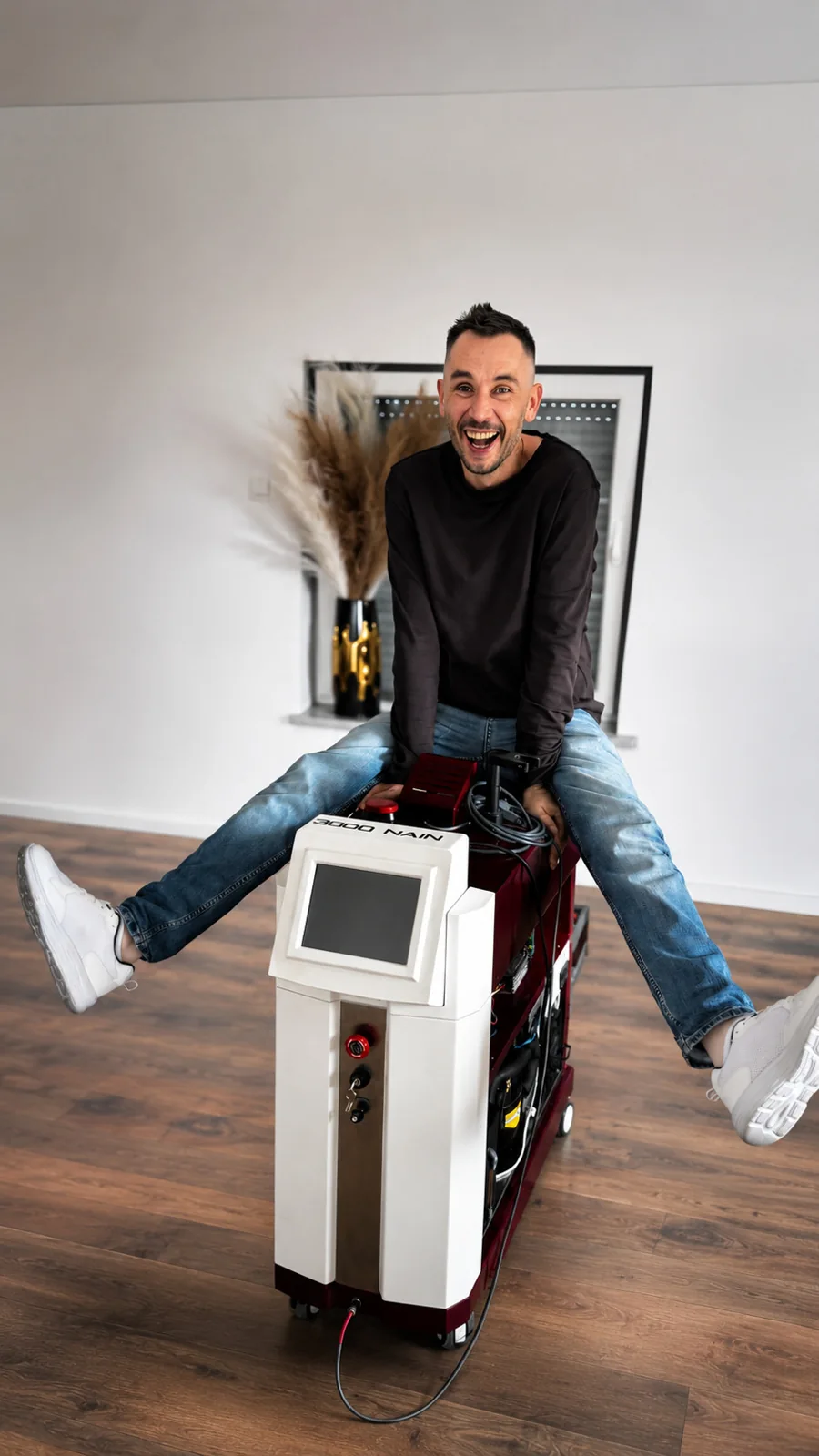
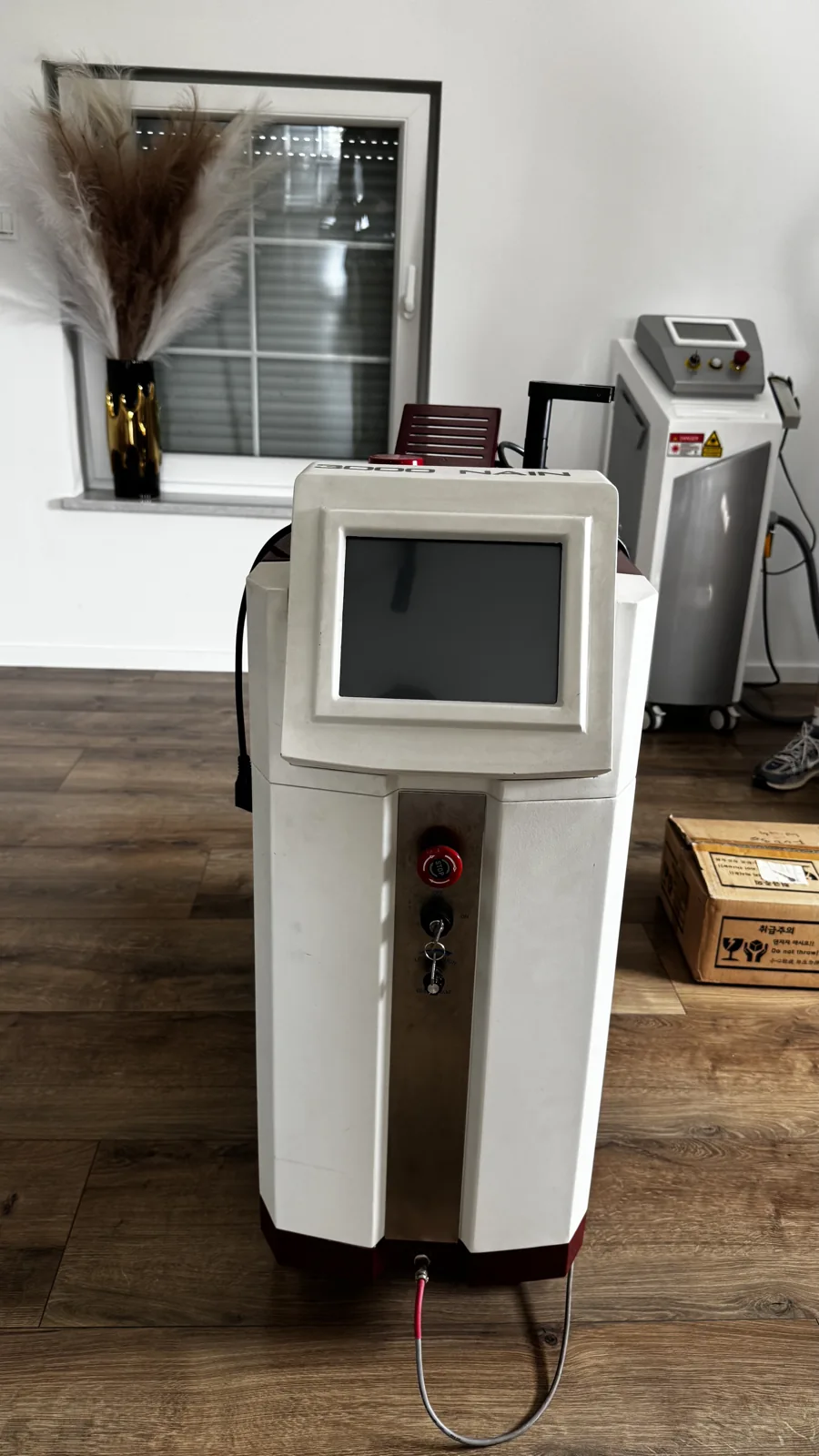
Where we started
A 3000 NAIN arrived at Laser Tech Service. Its large white and burgundy housing immediately attracts attention, but the main service question is: what needs repairing? We began with device diagnostics.
In this unit, the problem concerned the power supply. Diagnosing and repairing it became the main task. The account below follows the work from opening the housing to restarting the device.
3000 NAIN — device diagnostics
Footage from this repair published on the Laser Tech Service channel.
Watch on YouTube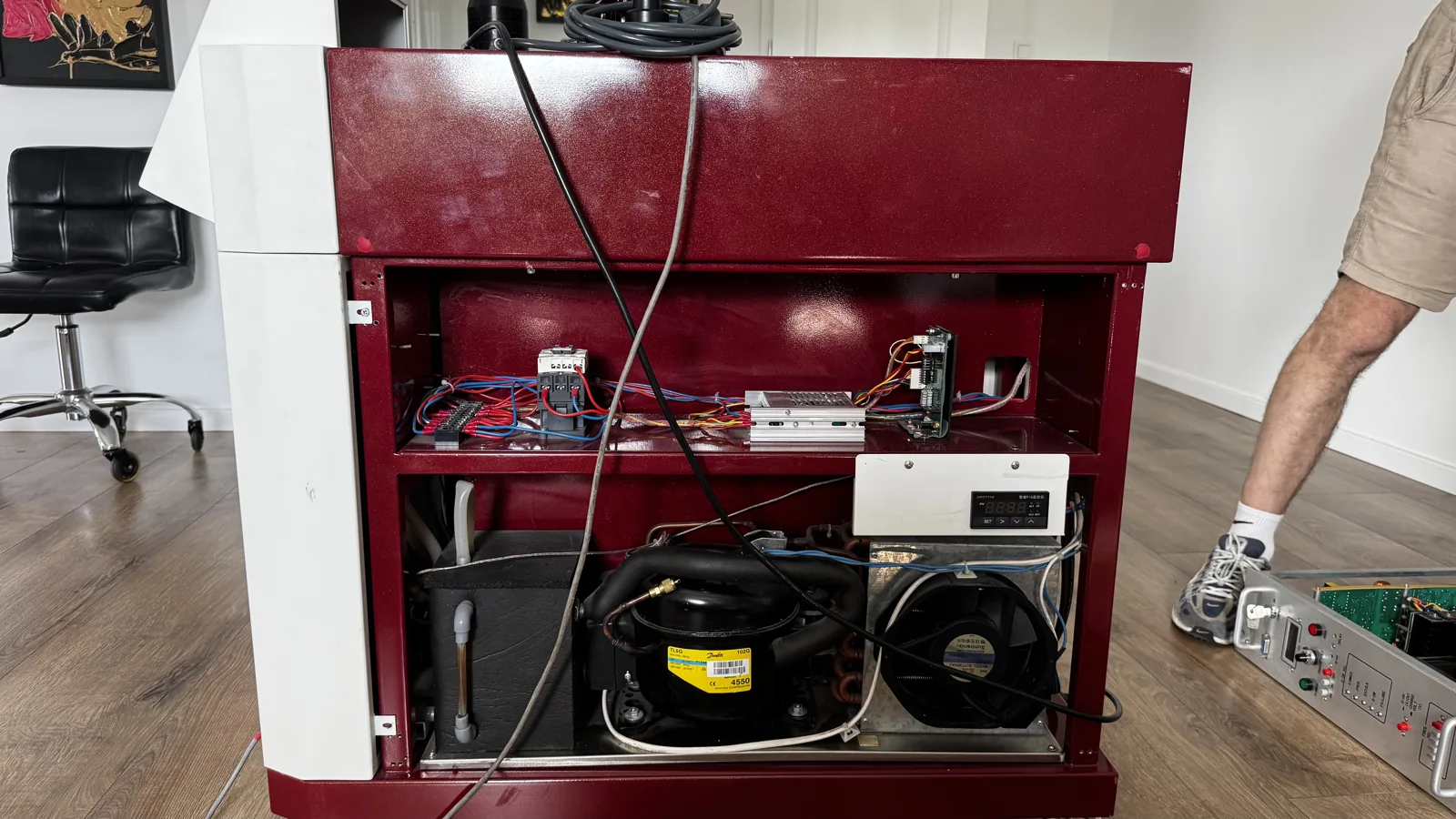
Dismantling and access to the power supply
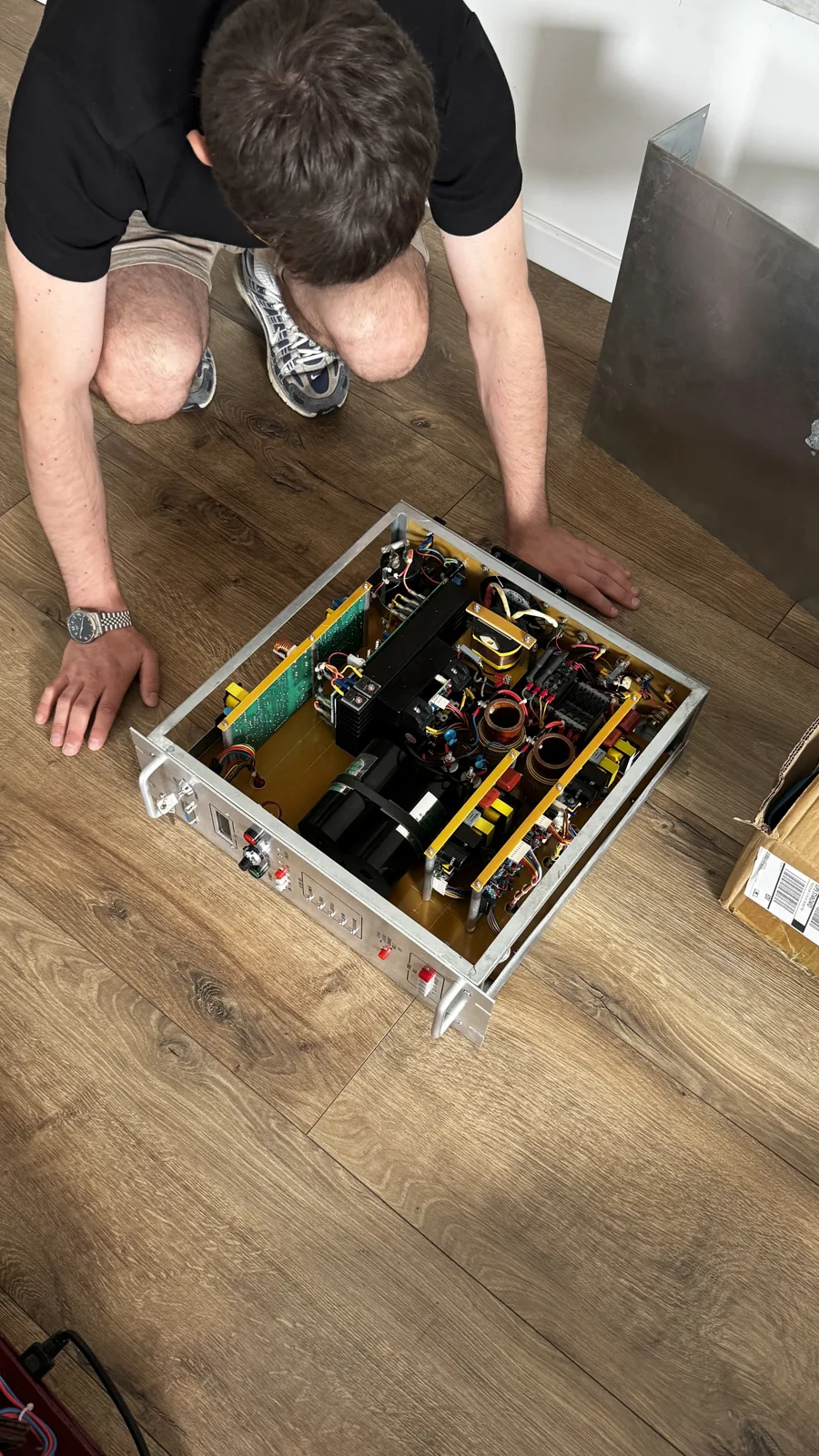
After initial diagnostics, we began dismantling. Removing the covers provided access to the interior, allowing us to remove the power supply unit for further work. The photographs show that it is a separate, substantial electronic assembly.
The open housing also reveals the cooling system and wiring. Their presence in the documentation does not mean they were damaged: this case concerned power supply repair. The behind-the-scenes service video supplements the dismantling photographs.
3000 NAIN — behind the scenes of servicing
Footage from this repair published on the Laser Tech Service channel.
Watch on YouTube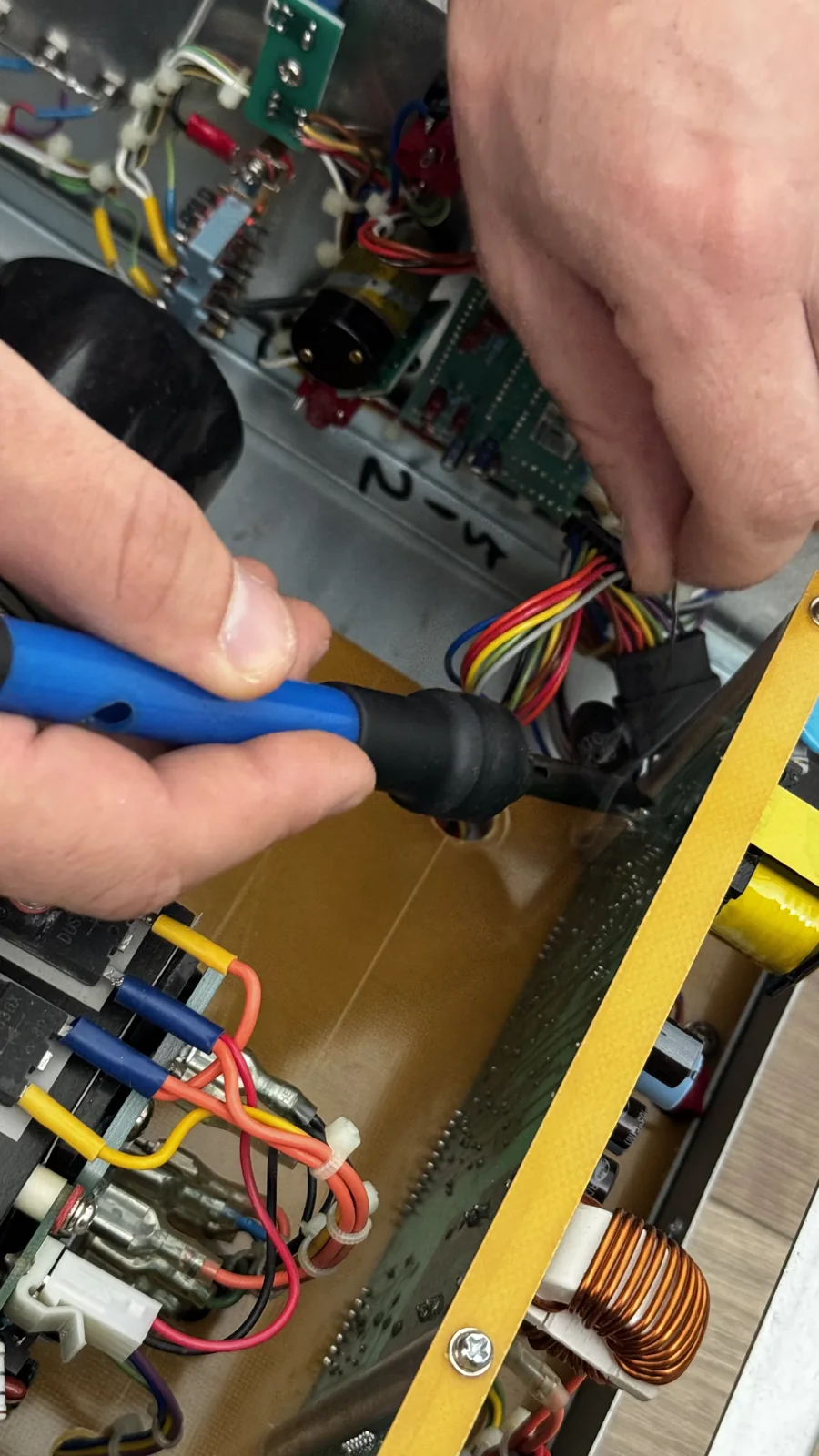
Power supply unit repair
Laser repair also includes power electronics. In this case, the work concerned the device's power supply unit. We diagnosed and then repaired the removed unit. We replaced the necessary faulty components and checked the electronics. This was work within an existing assembly, not replacement of the entire device.
The photograph shows soldering work on the electronics. We do not list specific replacement parts or measurement results because the case documentation does not contain that information. The confirmed scope is repair of the 3000 NAIN power supply unit.
3000 NAIN — electronics repair
Footage from this repair published on the Laser Tech Service channel.
Watch on YouTube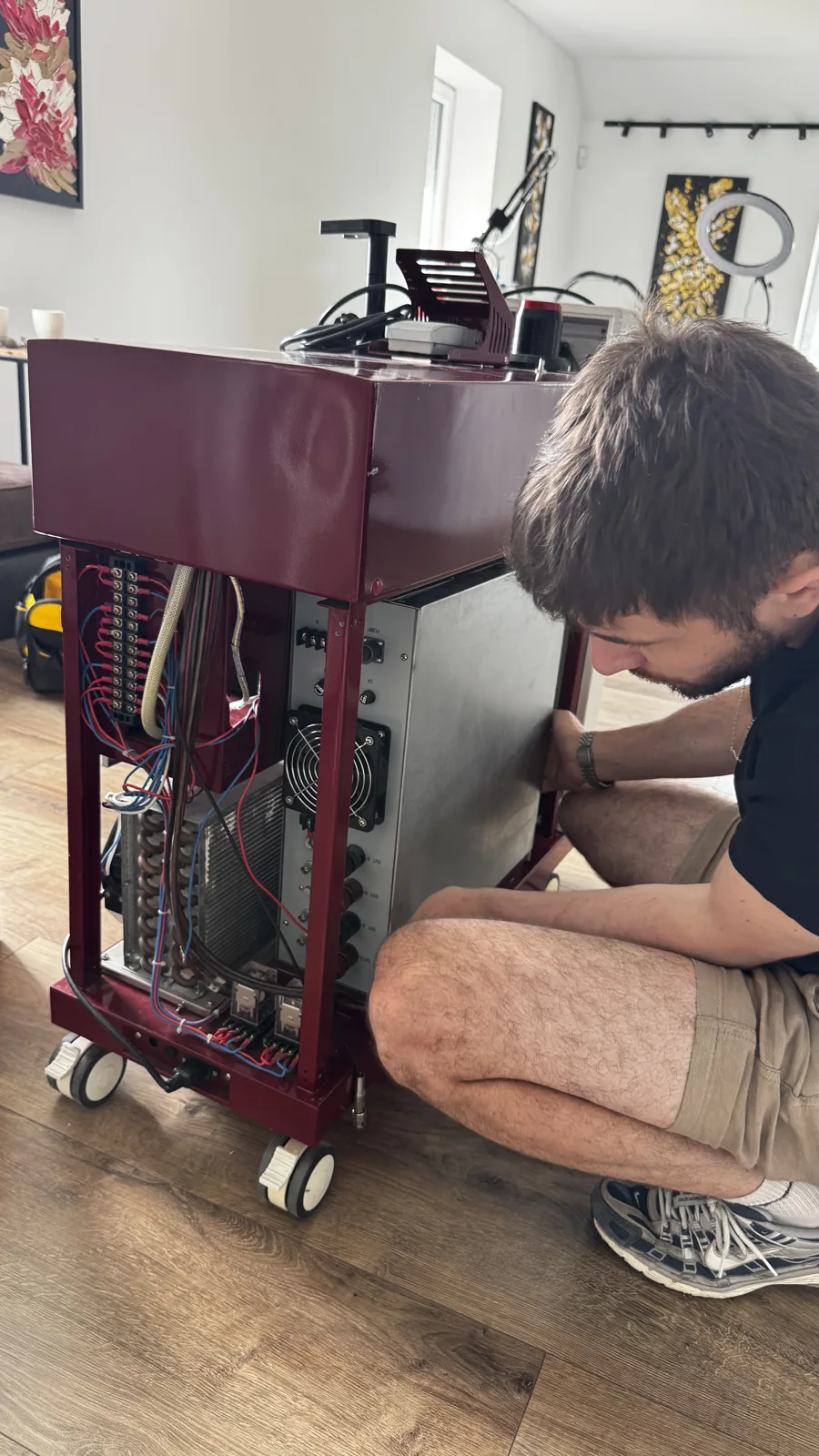
Reinstalling the unit and reassembling the device
Once repaired, the power supply unit was returned to the housing. We reinstalled it and reassembled the device. The photograph from this stage shows the technician at the open device with the module being fitted.
Bench repair is one stage; reconnecting all the device components is another. Only after reassembly could we start the complete device and check its operation.
3000 NAIN — reinstalling the repaired electronics
Footage from this repair published on the Laser Tech Service channel.
Watch on YouTube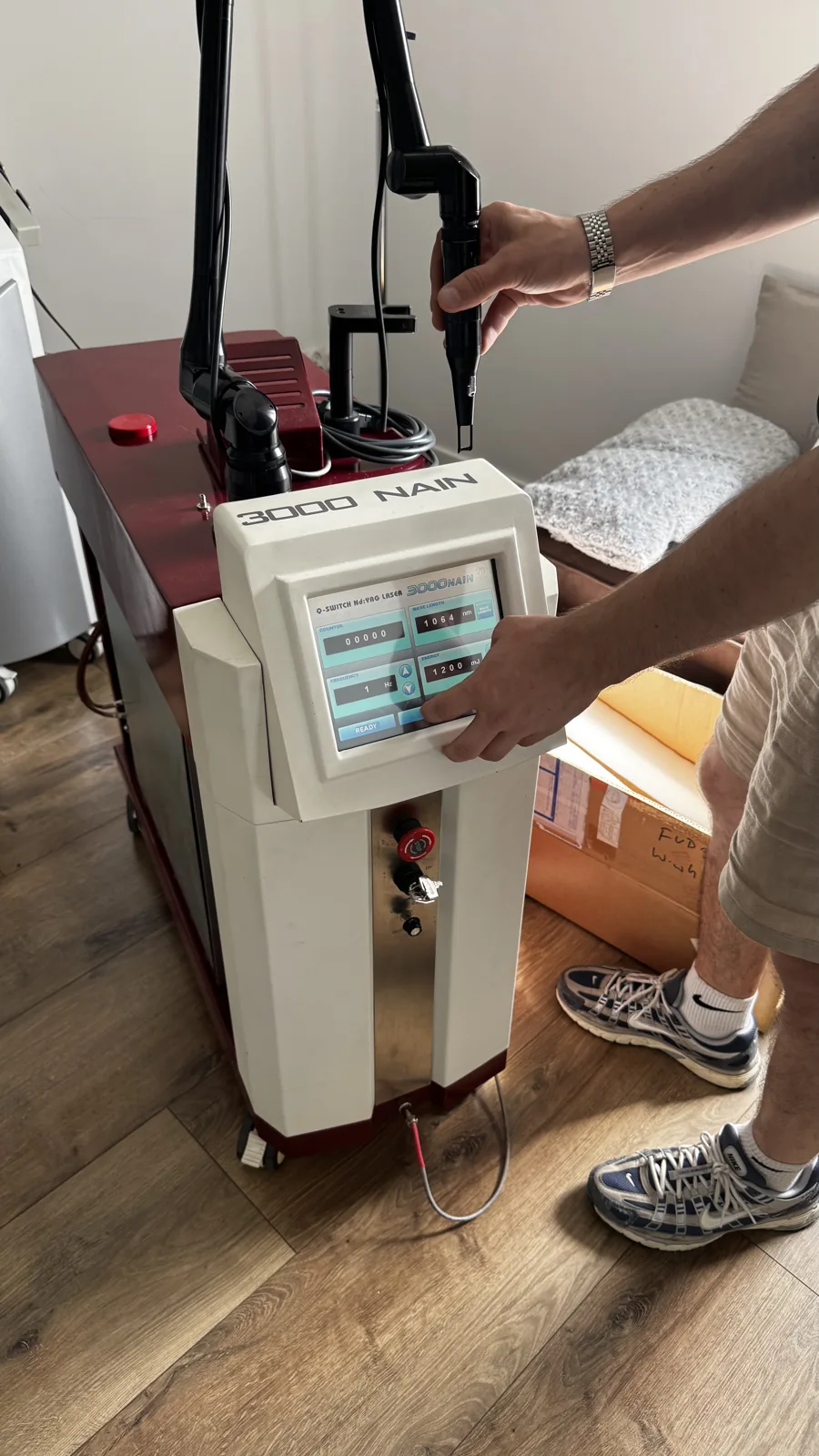
Start-up and post-repair checks
After reassembly, we started the 3000 NAIN and checked its operation. The final photograph shows the illuminated screen and assembled optical arm. The last video documents start-up and testing after repair.
This completed the job: diagnostics, dismantling, power supply repair, electronics checks, reinstallation and operational testing. No additional faults, repairs or undocumented parameters have been added to the account.
3000 NAIN — start-up and testing
Footage from this repair published on the Laser Tech Service channel.
Watch on YouTubeA closer look at the 3000 NAIN design
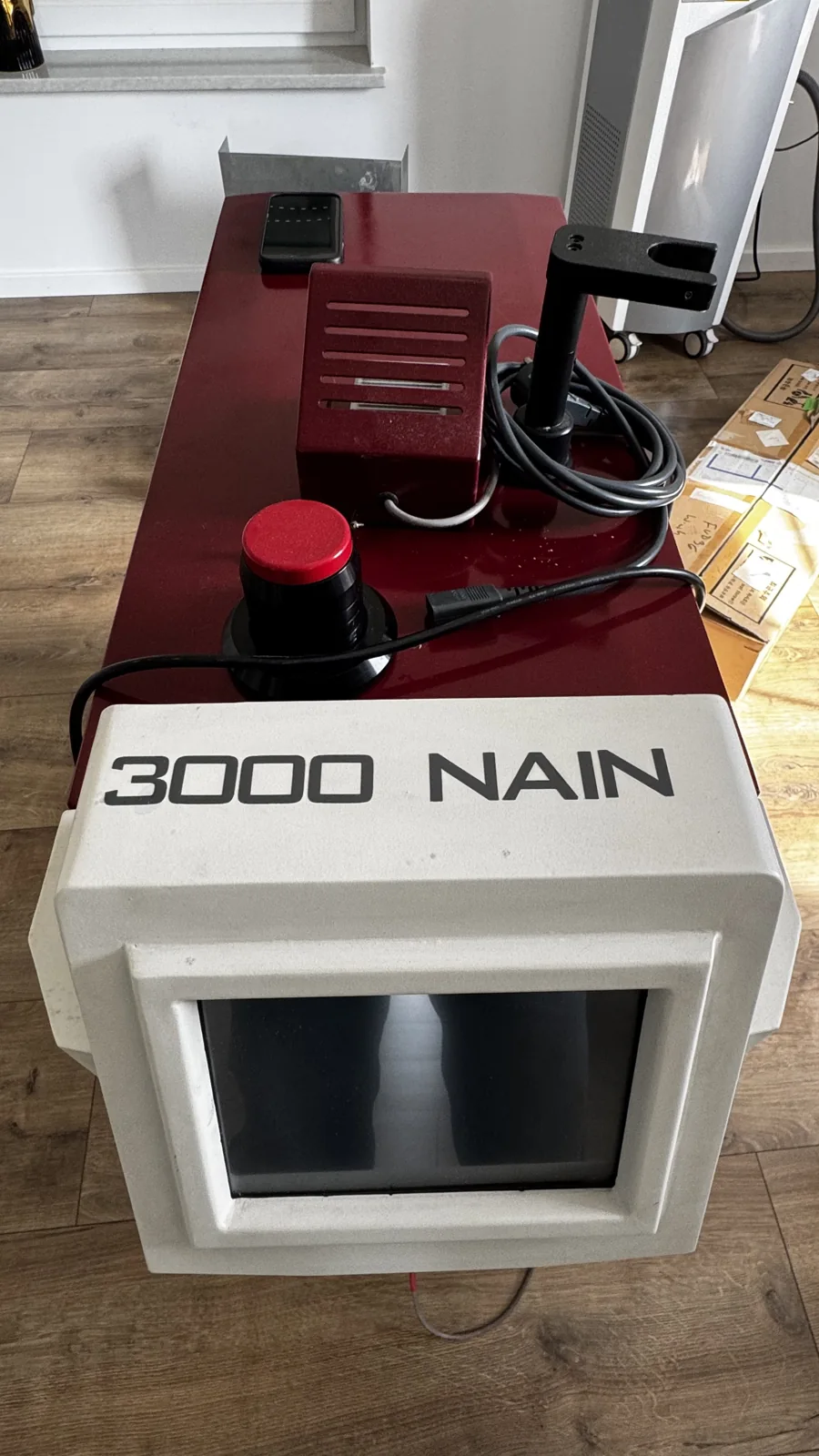
The removed power supply and control panel supplement the work documentation.
More about this laser
Where did this design originate, and why is it still interesting? Read our article about the 3000 NAIN — an old-school laser.
Need diagnostics for your device? Explore our aesthetic and laser equipment servicing.
A problem with your aesthetic equipment?
Send us the equipment name and model, photographs and a brief description of the problem. We will use this information to agree the next steps.
Laser power supply and electronics repair — scope, cost and service request form.